

Tired of bloated interfaces and unnecessary pre-installed apps ruining your smartphone experience? The battle for mobile supremacy often comes down to software, and when it comes to modern interfaces, the Nothing OS vs. Android debate takes center stage. Nothing OS has quickly become a breath of fresh air amid a sea of heavy, over-customized skins. As a result, many users wonder how this newcomer stacks up against the underlying operating system. In this comprehensive breakdown, we explore every facet of this rivalry to help you decide which software experience truly deserves your attention.
Key Takeaways
- Nothing OS is built directly on top of Android, acting as a specialized skin rather than a standalone operating system.
- The core difference between Nothing Os Vs. Android lies in bloatware, aesthetic choices, and ecosystem integration.
- Nothing OS offers superior minimalist customization compared to the rigid interface of stock Android.
- Stock Android guarantees faster, more consistent security updates straight from Google.
- Your preference depends entirely on whether you prioritize cutting-edge aesthetics or absolute software stability.
The Core Philosophy Behind Nothing OS
Carl Pei’s vision was fundamentally simple: strip away the noise. Nothing OS arrived as a direct response to the heavy, ad-laden interfaces dominating the market. As a result, it focuses on a monochromatic, dot-matrix aesthetic that feels both retro and futuristic.
Minimalism Meets Functionality
Every pixel serves a purpose. Nothing OS eliminates unnecessary animations and color clutter. The interface also relies heavily on glyph lights and distinctive ringtones to create a unique sensory experience without overwhelming the user.
The Dot-Matrix Aesthetic
The typography and iconography hark back to earlier eras of computing. However, this isn’t just a visual gimmick. It provides a highly recognizable brand identity. As a result, navigating the OS feels refreshingly distinct from traditional mobile layouts.
Standard Android: The Universal Baseline
To understand Nothing OS’s impact, we must examine its foundation. Standard Android, often called stock Android or the Pixel UI, represents Google’s untouched vision for mobile computing. It provides the raw canvas upon which other manufacturers paint their software experiences.
The Google Ecosystem Integration
Stock Android excels in seamless Google integration. Assistant, Photos, and Drive work flawlessly out of the box. As a result, users deeply entrenched in Google’s ecosystem rarely find a smoother experience elsewhere.
The Fragmentation of Custom Skins
Conversely, manufacturers like Samsung and Xiaomi heavily modify Android. This fragmentation leads to delayed updates and inconsistent design languages. Nothing OS attempts to bridge this gap by staying close to the Android Open Source Project (AOSP) while adding meaningful features.
Direct Comparison: Nothing Os Vs. Android
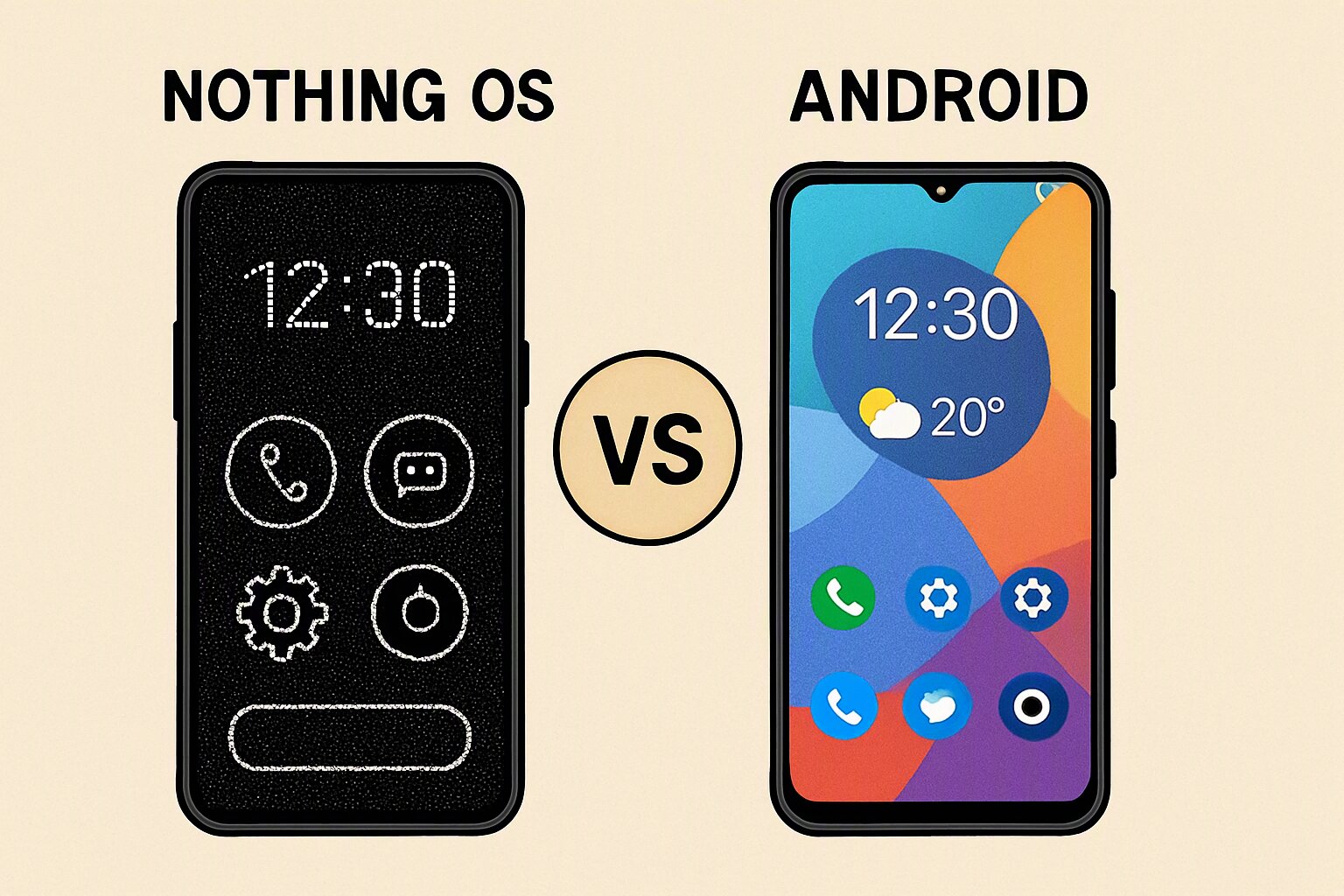
When evaluating Nothing Os Vs. Android, we must dissect the user experience layer by layer. Both systems share the same underlying DNA, but they differ drastically in presentation. The choice ultimately comes down to whether you prefer visual flair or foundational reliability.
User Interface and Customization
Nothing OS provides extensive control over the lock screen, glyph interface, and grid sizes. It also includes a robust widget system that emphasizes text over colorful images. Stock Android, while highly functional, offers less granular control over its visual presentation. However, it remains incredibly intuitive for beginners. Nothing also introduces custom toggle switches in the quick settings panel. These toggles feature unique icons that deviate from standard Android conventions. As a result, users get a completely refreshed daily interface.
Performance and Battery Optimization
Both interfaces prioritize smooth scrolling and keep background processes to a minimum. Nevertheless, Nothing OS has occasionally stuttered in early builds. Stock Android typically provides a more consistent, battle-tested performance baseline. As a result, power users often prefer the predictability of Google’s native code. Nothing Phone devices also feature aggressive RAM management, which keeps apps suspended in the background. While this boosts battery life, it can sometimes delay notifications. Therefore, finding the right balance requires tweaking system settings.
Software Updates and Support
Google pushes monthly security patches directly to Pixel devices. Nothing OS, conversely, relies on its own update cycle. While Nothing promises timely releases, a direct comparison shows Google wins on update speed. Nothing has committed to three years of OS upgrades and four years of security patches. This promise closely aligns with Google’s update schedule. As a result, users can expect long-term support from both ecosystems.
Deep Dive into Widgets and Productivity
One of the most striking differences lies in widget management. Nothing OS introduces large, highly customizable widgets that display essential information at a glance. These widgets transform your home screen into a command center.
Nothing Widgets
The proprietary widgets feature bold typography and minimal backgrounds. They seamlessly blend with the monochromatic theme. As a result, checking the weather or your calendar feels incredibly streamlined.
Google Widgets
Stock Android widgets are colorful and information-dense. However, they can sometimes clash visually with certain wallpapers. Nothing OS prioritizes aesthetic harmony, while Google prioritizes delivering maximum information.
Privacy and Security Features
Security remains a paramount concern for modern users. When comparing Nothing OS and stock Android, both offer robust protection, but through different philosophies.
Nothing’s Approach
Nothing OS includes a dedicated permission manager and app lock. Furthermore, it avoids injecting ads into the system UI, a common practice among other Android skins. This clean approach helps keep your data from being monitored by the manufacturer.
Google’s Approach
Stock Android features the full might of Google Play Protect. It also offers monthly security patches directly from Google. As a result, stock Android devices patch vulnerabilities faster. However, this tighter integration means more of your data flows through Google’s servers.
Which Interface Fits Your Lifestyle?
Choosing a smartphone interface is deeply personal. The ongoing discussion ultimately depends on your daily habits and priorities.
The Case for Nothing OS
If aesthetics, distinctiveness, and bloatware-free experiences matter most, Nothing OS is unparalleled. It transforms a standard smartphone into a fashion statement. Moreover, the community engagement and transparent beta programs offer an exciting development cycle. Nothing frequently incorporates user feedback into its builds. This responsive approach creates a sense of ownership among its user base.
The Case for Stock Android
Conversely, if reliability, consistency, and early access to new features are your priority, stock Android remains unbeatable. Furthermore, the sheer volume of accessories and third-party integrations supported by stock Android gives it a practical edge. Developers always optimize their apps for stock Android first. As a result, Google fixes bugs faster on its native platform.
Frequently Asked Questions
Is Nothing OS better than stock Android?
Whether Nothing OS is better depends entirely on your preferences. Nothing OS excels in minimalist design and unique aesthetics, while stock Android excels in reliability and ecosystem integration. Therefore, neither is objectively better; they simply cater to different user priorities.
Does Nothing OS drain the battery faster?
No, Nothing OS does not inherently drain the battery faster. In fact, it is highly optimized to minimize background processes. However, the Glyph lighting system can consume extra battery if you use it extensively. As a result, your battery life will largely depend on your usage habits.
Can I install Nothing OS on other Android phones?
Officially, Nothing OS is exclusive to Nothing smartphones. While developers can build custom ROMs, installing a ported version on other devices can cause stability issues and isn’t recommended for everyday use.
How does Nothing OS handle app updates?
Nothing OS relies entirely on the Google Play Store for app updates. It does not force users to use a proprietary app store. As a result, app updates work the same as on any standard Android device.
Ready to Choose Your Perfect Interface?
Still torn between aesthetics and reliability? Let us help you decide! Drop your current phone model and preferences in the comments below, or sign up for our newsletter to get a personalized recommendation tailored to your needs.